SeaOrama: World of Shipping

지원됨Steam

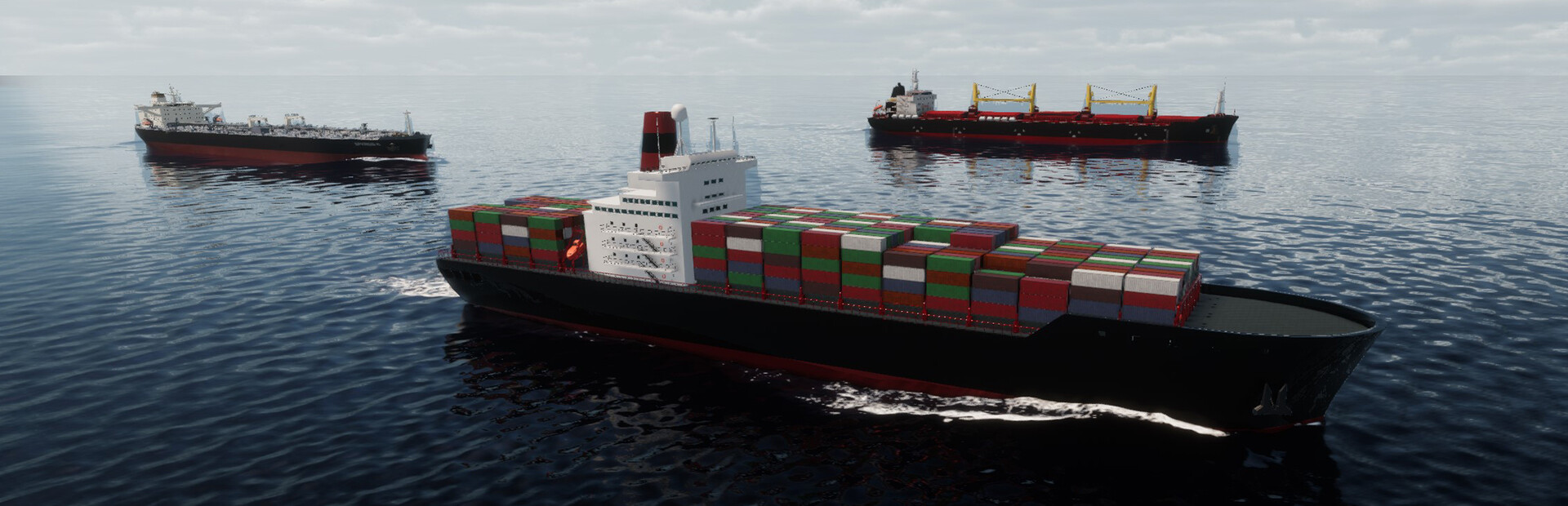
해운 회사를 세우고 운영하며 전 세계 해상 네트워크에서 선박과 항로를 관리하세요. 선단을 운항하고 사업을 확장하는 경영 시뮬레이션입니다.

모드
24
커뮤니티 모드
1
지도
0
스토어
Steam

무료 Windows용 Hexinton Mod 앱에서 모드를 즐기세요.

SeaOrama: World of Shipping 트레이너, 치트 및 모드

SeaOrama: World of Shipping용 Cheat Engine 테이블도 만듭니다. 모드 조작 항목을 미리 보고 Windows 싱글 플레이용 커뮤니티 작품을 둘러보세요.

AI Companies

3 개 모드
  • Set Money (Selected AI Company)
    숫자 from -999999999 to 999999999, 시작 가격: -999999999
  • Set Rank Points (Selected AI Company)
    숫자 from 0 to 99999, 시작 가격: 0
  • Set Reputation (Selected AI Company)
    숫자 from 0 to 100, 시작 가격: 0

Reputation & Progression

6 개 모드
  • Add Bank Reputation
    숫자 from 1 to 50, 시작 가격: 1
  • Add Rank Points
    숫자 from 1 to 9999, 시작 가격: 1
  • Add Reputation
    숫자 from 1 to 50, 시작 가격: 1
  • Remove Bank Reputation
    숫자 from 1 to 50, 시작 가격: 1
  • Remove Rank Points
    숫자 from 1 to 9999, 시작 가격: 1
  • Remove Reputation
    숫자 from 1 to 50, 시작 가격: 1

Money & Resources

2 개 모드
  • Add Money
    숫자 from 1 to 999999999, 시작 가격: 1
  • Remove Money
    숫자 from 1 to 999999999, 시작 가격: 1

World & Time

4 개 모드
  • Freeze Time of Day
    전환, 끄기
  • Set Day
    숫자 from 1 to 31, 시작 가격: 1
  • Set Month
    숫자 from 1 to 12, 시작 가격: 1
  • Set Year
    숫자 from 2023 to 3000, 시작 가격: 2023

Ships

9 개 모드
  • Set Eco Rating to A (Selected Ship)
    버튼: Execute
  • Set Eco Rating to B (Selected Ship)
    버튼: Execute
  • Set Eco Rating to C (Selected Ship)
    버튼: Execute
  • Set Eco Rating to D (Selected Ship)
    버튼: Execute
  • Set Eco Rating to F (Selected Ship)
    버튼: Execute
  • Refill Fuel (Selected Ship)
    버튼: Execute
  • Set Engine Condition (Selected Ship)
    숫자 from 1 to 100, 시작 가격: 1
  • Set Hull Condition (Selected Ship)
    숫자 from 1 to 100, 시작 가격: 1
  • Ships Always Have Max Fuel
    전환, 끄기