
SeaOrama: World of Shipping

SupportedSteam

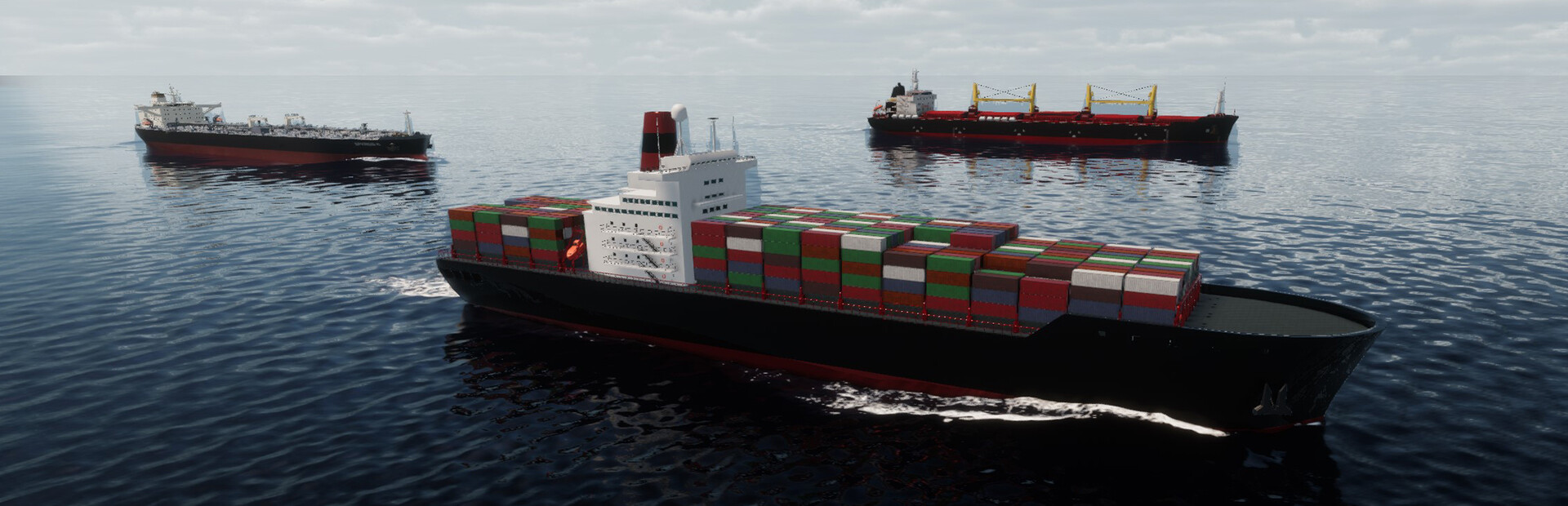
Build and manage a shipping company, operating vessels and routes across a global maritime network. This business simulation challenges you to keep your fleet running and grow your operations.

Mods
24
Community mods
1
Maps
0
Stores
Steam

Play with mods in the free Hexinton Mod app for Windows.

SeaOrama: World of Shipping trainers, cheats & mods

We make Cheat Engine tables for SeaOrama: World of Shipping too. Preview available mod controls and explore community creations for single-player play on Windows.

AI Companies

3 mods
  • Set Money (Selected AI Company)
    Number from -999999999 to 999999999, starting at -999999999
  • Set Rank Points (Selected AI Company)
    Number from 0 to 99999, starting at 0
  • Set Reputation (Selected AI Company)
    Number from 0 to 100, starting at 0

Reputation & Progression

6 mods
  • Add Bank Reputation
    Number from 1 to 50, starting at 1
  • Add Rank Points
    Number from 1 to 9999, starting at 1
  • Add Reputation
    Number from 1 to 50, starting at 1
  • Remove Bank Reputation
    Number from 1 to 50, starting at 1
  • Remove Rank Points
    Number from 1 to 9999, starting at 1
  • Remove Reputation
    Number from 1 to 50, starting at 1

Money & Resources

2 mods
  • Add Money
    Number from 1 to 999999999, starting at 1
  • Remove Money
    Number from 1 to 999999999, starting at 1

World & Time

4 mods
  • Freeze Time of Day
    Switch, off
  • Set Day
    Number from 1 to 31, starting at 1
  • Set Month
    Number from 1 to 12, starting at 1
  • Set Year
    Number from 2023 to 3000, starting at 2023

Ships

9 mods
  • Set Eco Rating to A (Selected Ship)
    Button: Execute
  • Set Eco Rating to B (Selected Ship)
    Button: Execute
  • Set Eco Rating to C (Selected Ship)
    Button: Execute
  • Set Eco Rating to D (Selected Ship)
    Button: Execute
  • Set Eco Rating to F (Selected Ship)
    Button: Execute
  • Refill Fuel (Selected Ship)
    Button: Execute
  • Set Engine Condition (Selected Ship)
    Number from 1 to 100, starting at 1
  • Set Hull Condition (Selected Ship)
    Number from 1 to 100, starting at 1
  • Ships Always Have Max Fuel
    Switch, off