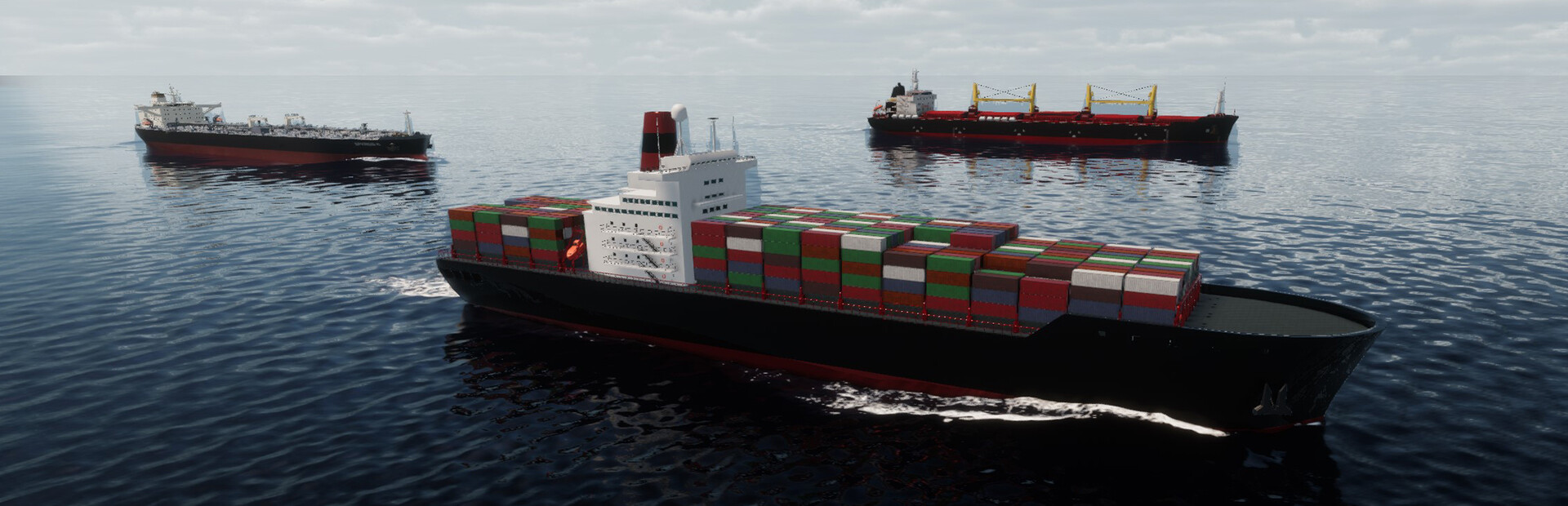

SeaOrama: World of Shipping

已支持Steam

建立并经营一家航运公司,在全球海运网络中管理船队与航线。在这款商业模拟游戏中,维持船队运营并拓展业务。

模组
24
社区模组
1
地图
0
商店
Steam

使用免费的 Windows 版 Hexinton Mod 客户端,尽享模组玩法。

SeaOrama: World of Shipping 修改器、秘籍与模组

我们也制作 SeaOrama: World of Shipping 的 Cheat Engine 表。预览可用的模组控制项,并探索适用于 Windows 单人游戏的社区作品。

AI Companies

3 个模组
  • Set Money (Selected AI Company)
    数值 from -999999999 to 999999999,起价为 -999999999
  • Set Rank Points (Selected AI Company)
    数值 from 0 to 99999,起价为 0
  • Set Reputation (Selected AI Company)
    数值 from 0 to 100,起价为 0

Reputation & Progression

6 个模组
  • Add Bank Reputation
    数值 from 1 to 50,起价为 1
  • Add Rank Points
    数值 from 1 to 9999,起价为 1
  • Add Reputation
    数值 from 1 to 50,起价为 1
  • Remove Bank Reputation
    数值 from 1 to 50,起价为 1
  • Remove Rank Points
    数值 from 1 to 9999,起价为 1
  • Remove Reputation
    数值 from 1 to 50,起价为 1

Money & Resources

2 个模组
  • Add Money
    数值 from 1 to 999999999,起价为 1
  • Remove Money
    数值 from 1 to 999999999,起价为 1

World & Time

4 个模组
  • Freeze Time of Day
    切换, 关闭
  • Set Day
    数值 from 1 to 31,起价为 1
  • Set Month
    数值 from 1 to 12,起价为 1
  • Set Year
    数值 from 2023 to 3000,起价为 2023

Ships

9 个模组
  • Set Eco Rating to A (Selected Ship)
    按钮: Execute
  • Set Eco Rating to B (Selected Ship)
    按钮: Execute
  • Set Eco Rating to C (Selected Ship)
    按钮: Execute
  • Set Eco Rating to D (Selected Ship)
    按钮: Execute
  • Set Eco Rating to F (Selected Ship)
    按钮: Execute
  • Refill Fuel (Selected Ship)
    按钮: Execute
  • Set Engine Condition (Selected Ship)
    数值 from 1 to 100,起价为 1
  • Set Hull Condition (Selected Ship)
    数值 from 1 to 100,起价为 1
  • Ships Always Have Max Fuel
    切换, 关闭